

So, your website just threw a bunch of server errors.
Maybe your hosting went down. Maybe a plugin crashed your WordPress site. Maybe you got a traffic spike that overwhelmed your server.
Now you’re wondering: did I just hurt my Google rankings?
Here’s the straight answer, along with what you need to do about it.
The Short Version
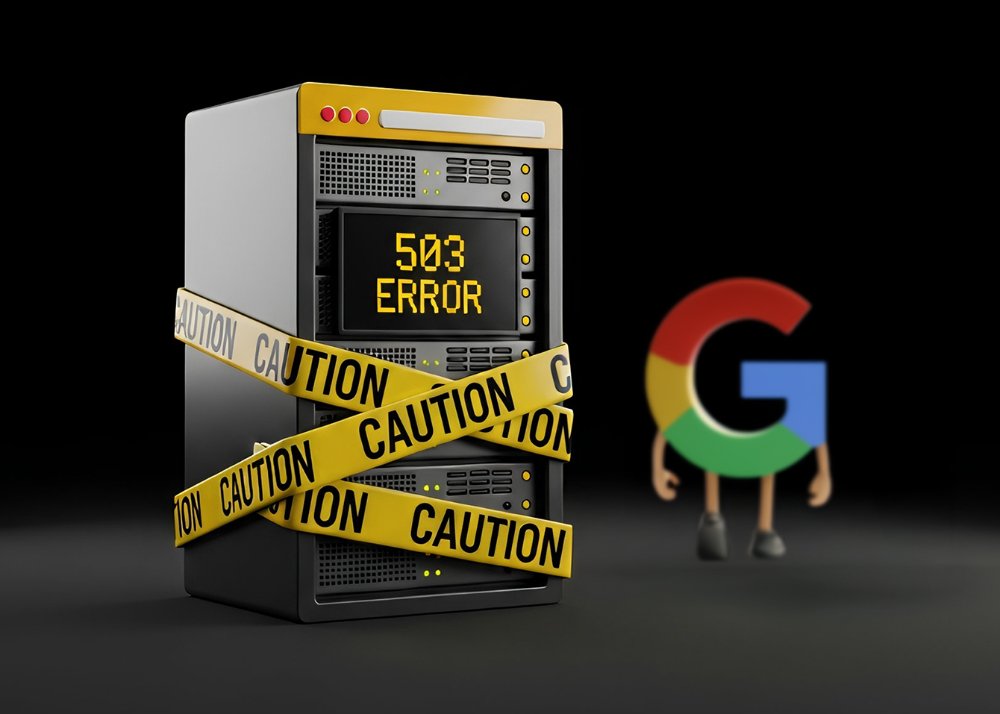
When your server throws 5xx errors (like 500, 502, 503) or 429 “too many requests” errors, Google sees a struggling site and backs off crawling to avoid making things worse.
If that lasts more than a day or two, Google may remove some pages from search until it can successfully crawl them again.
There’s no “penalty”, but if Google can’t read your site, it can’t rank your site.
The damage to SEO rankings depends entirely on how long the issues persist.
What Actually Happens During Downtime
Short Outages (Minutes to a Few Hours)
Google expects the web to be messy. A brief server hiccup rarely causes lasting damage.
When Google encounters temporary server errors, it backs off slightly but keeps retrying. Research shows that short, intermittent downtime is “perfectly acceptable” and typically doesn’t significantly affect your crawling and indexing.
You might see minor traffic fluctuations if the outage happens during a major crawl, but things usually bounce back once your pages are available again.
Extended Issues (More Than a Day)
This is where real problems start.
When 5xx or 429 errors persist, Google’s crawlers significantly reduce your crawl rate. They focus on URLs that still respond correctly and start marking problem URLs as temporarily unavailable.
If errors continue beyond approximately two days, Google can drop those URLs from the index entirely until your server stabilizes.
The rankings don’t drop because of a penalty; they drop because your pages literally aren’t in the index anymore.
Real-World Impact: The Numbers
Industry data shows this pattern clearly.
A mattress retailer experienced a 3-4 hour outage that correlated with lost rankings on key product terms. Visibility took months to fully recover, even after uptime was restored.
Another e-commerce site suffered a two-day outage that caused a 35% organic traffic drop, with ranking losses across even highly authoritative pages.
One site documented a five-day outage that resulted in losing approximately 10,000 organic visits per day afterward. Recovery was slow and incomplete without additional SEO work.
The pattern is consistent: short incidents cause minor impacts, but multi-day or recurring issues create serious, lasting damage.
The WordPress Factor
If you’re running WordPress (and most home service businesses are), server errors often stem from preventable causes:
Overloaded Shared Hosting
This most common culprit. When too many sites share server resources, CPU and RAM max out during traffic spikes or backup routines, causing intermittent 500 or 503 errors.
Plugin Conflicts
These are next. A single bad plugin update can trigger fatal PHP errors. Two security plugins fighting each other, or multiple heavy plugins loading on every page, can spike CPU and memory usage.
Aggressive Firewalls
Sometimes, an aggressive firewall can block legitimate crawlers. Security modules can mistakenly return 5xx or 503 errors to Googlebot, making Google think your site is down even when real visitors can access it.
The good news? Most of these are fixable with basic WordPress maintenance: keeping plugins updated, removing unused ones, and matching your hosting to your actual traffic.
Recovery Timeline: What to Expect
There’s no fixed recovery schedule. Google states that after server issues are resolved, crawl rates can recover, but “there’s no defined timeline.”
What we do know: the length of the outage matters significantly. Brief incidents typically resolve faster than multi-day problems. Pages that were dropped from the index during extended outages need to be recrawled and reindexed before they can rank again.
The key insight: once your server is stable, prioritize monitoring Search Console’s Crawl Stats for the next two weeks. You should see crawl rates gradually return to normal. If they don’t, you may still have underlying server issues that need attention.
Your Action Plan: What to Do Next
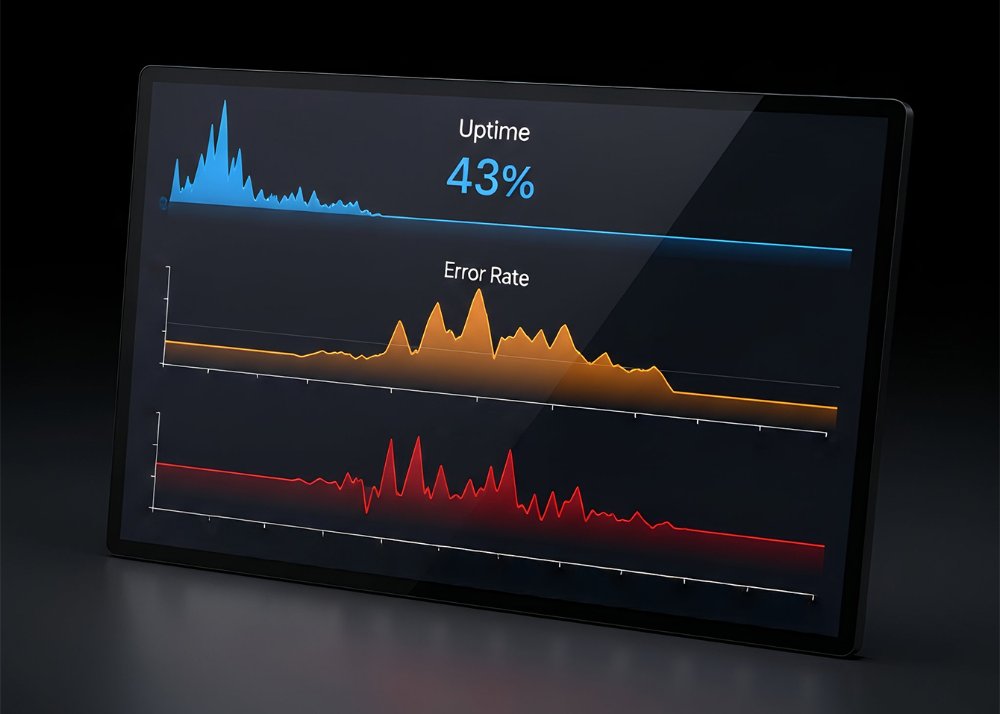
This Week: Set Up Basic Monitoring
You need to know about problems before Google does.
Start with an uptime monitoring service that checks your site every 30-60 seconds. Tools like UptimeRobot or Pingdom alert you by email, SMS, or Slack when your site returns errors or goes down.
At a minimum, check your homepage and key conversion pages. Set alerts to trigger after two to three consecutive failures to avoid false alarms.
Next, open Google Search Console and navigate to Settings → Crawl Stats. Look at the “Host status” field; it should say “OK.” Any warning means Google is seeing repeated timeouts or server errors.
Review the “Crawl requests by response” breakdown. Watch for spikes in 5xx errors or unusual growth in 4xx codes.
Do this check weekly, especially after any website changes or updates.
This Month: Clean Up Your WordPress
Most server errors are preventable.
Remove unnecessary plugins and themes. Audit your plugin list quarterly and eliminate anything unused or duplicated in function. Prefer well-maintained plugins with many active installs and recent updates.
Keep everything current, but test first. Use a staging site to test plugin and theme updates before touching your live site.
The pattern: take a backup, update on staging, test key functions, then update production.
Enable full-page caching through your host or a reliable caching plugin. This offloads repeated work from your server and dramatically reduces the chance of resource exhaustion during traffic spikes.
Match Hosting to Reality
If you’re seeing repeated 5xx errors in Search Console or your host mentions “you’re exceeding limits,” that’s not just a technical issue… it’s an SEO problem.
For basic business websites, quality shared hosting or managed WordPress works fine. But if you run WooCommerce, memberships, or booking systems, you need managed WordPress or VPS hosting with dedicated resources.
Ask your current host about uptime guarantees, PHP memory limits, and whether you’re hitting resource caps. After all, your hosting provider directly affects your website’s uptime.
Handle Planned Maintenance Correctly
If you need to take your site down for maintenance, do it right.
Return a 503 status code with a “Retry-After” header that tells crawlers when to check back. Don’t return a 200 status with a “maintenance” HTML page; Google might treat that as your actual content.
Keep 503 or 429 windows under 48 hours whenever possible. Beyond two days, URLs may start dropping from the index. For longer maintenance, try to keep core pages up, even if limited.
After an Incident
Once you’ve fixed the immediate problem, monitor for lingering effects.
Check Search Console’s “Pages” report under Indexing. Filter by “Server error (5xx)” to see which URLs Google couldn’t access. Use URL Inspection on critical pages to verify Googlebot sees them correctly now.
Watch your Crawl Stats for the next two weeks. You should see crawl rates gradually return to normal. If they don’t, you may still have underlying server issues that need attention.
Summary
One bad evening of downtime? You’ll probably be fine.
Multi-day outages or recurring server errors? Expect real ranking drops and lost revenue that can take weeks or months to fully recover.
The goal isn’t perfection, it’s stability. Google understands the web is messy, but it can’t rank what it can’t reliably access.
Set up monitoring this week. Clean up your WordPress this month.
And if you’re seeing repeated server issues, treat them as the SEO emergency they actually are.
Need help stabilizing your website and protecting your search visibility? Contact EnvisionUP to get your technical SEO foundation solid.

Get Started Today
Start getting the online leads your quality business deserves today. Get a free no-obligation initial 30 minute consultation from one of our Google Certified Experts.
An EnvisionUP expert will respond within one business day or less with the next steps.